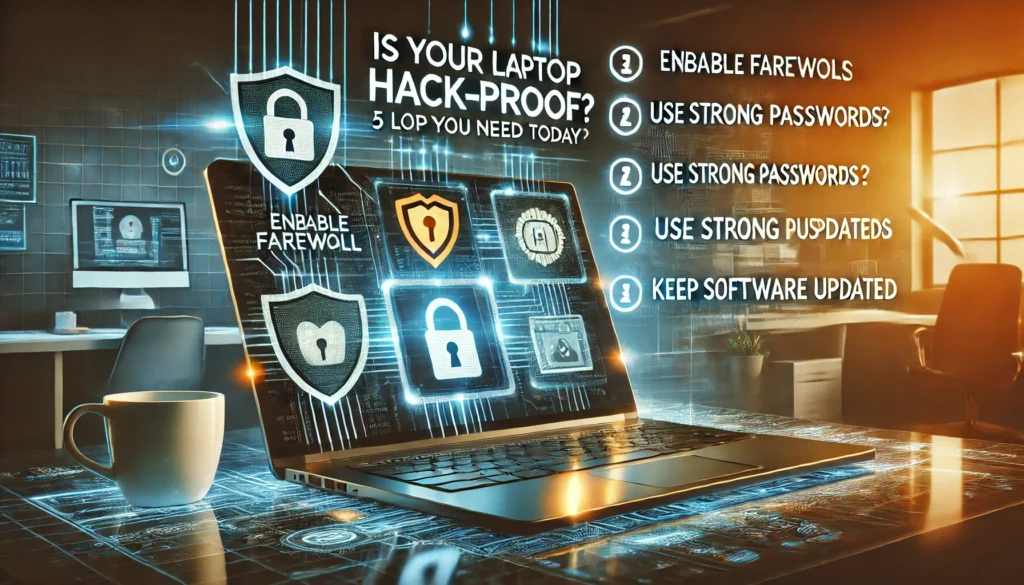
Your laptop is a treasure trove of personal information, from financial records to sensitive work files. Hackers know this, and they’re constantly developing new ways to exploit vulnerabilities. But don’t worry—taking a few proactive steps can significantly reduce the risk of a breach. Here are five essential tips to secure your laptop today.
1. Keep Your Software Updated
Outdated software is one of the easiest targets for hackers. Regular updates patch vulnerabilities and keep your laptop secure against the latest threats.
- Enable Automatic Updates: Turn on automatic updates for your operating system and applications.
- Update Drivers: Ensure your hardware drivers are also up to date for optimal security.
2. Use Strong Passwords and Multi-Factor Authentication
Protecting your accounts and laptop with strong passwords and multi-factor authentication (MFA) adds an essential layer of security.
- Unique Passwords: Use a password manager to create and store unique passwords for each account.
- Enable MFA: Add an extra layer of verification, such as a one-time code sent to your phone.
"Laptops with multi-factor authentication are 99% less likely to be compromised by brute-force attacks."
3. Secure Your Network Connections
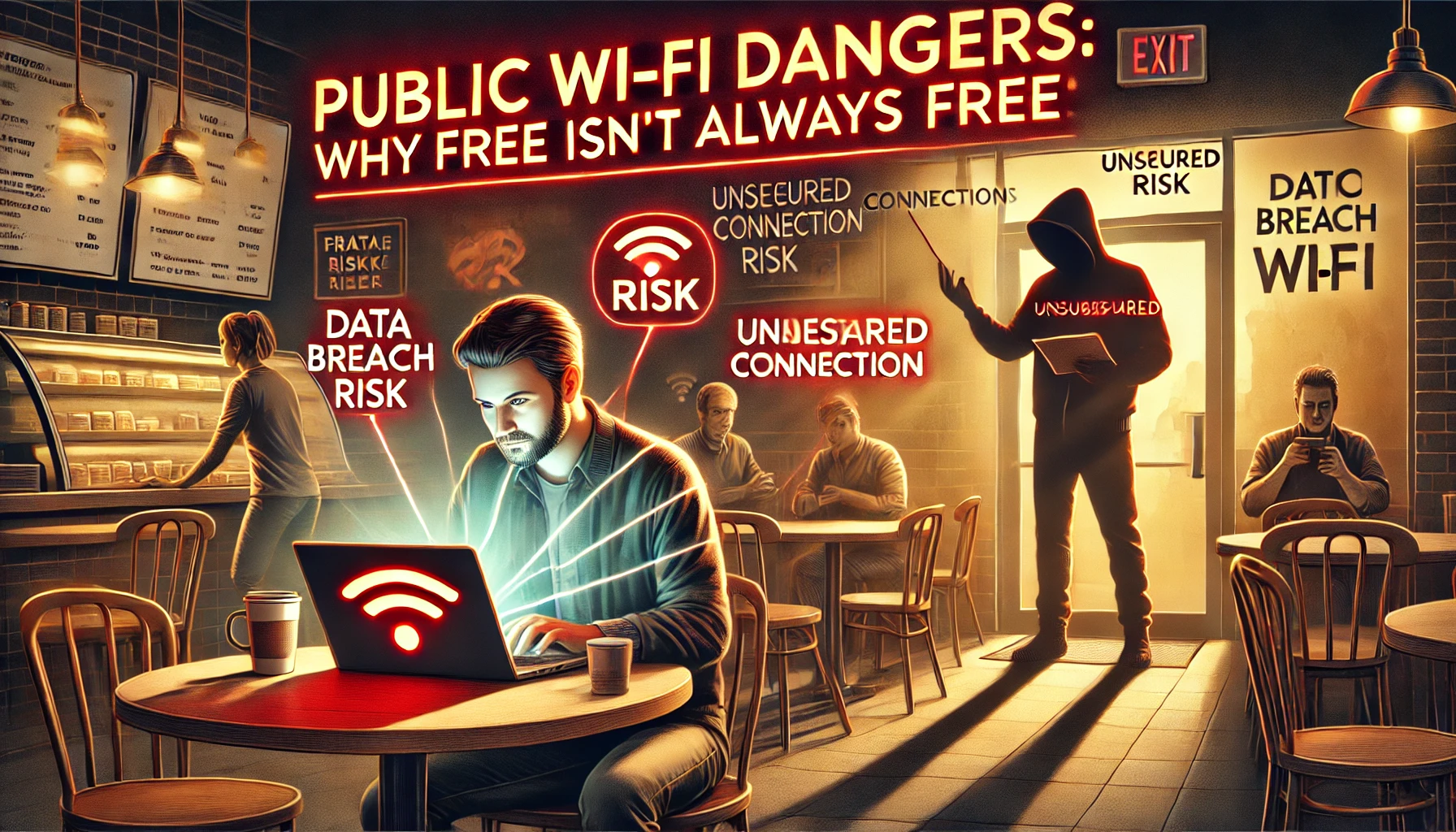
Public Wi-Fi networks are a hacker’s playground. Securing your connections ensures your data isn’t intercepted.
- Use a VPN: Encrypt your internet connection when using public Wi-Fi.
- Avoid Unsecured Networks: Never access sensitive accounts on open networks without protection.
4. Enable Device Encryption
Encryption protects the data on your laptop, making it unreadable without the correct decryption key. This is especially important if your laptop is lost or stolen.
- Check Built-In Encryption: Enable encryption tools like BitLocker (Windows) or FileVault (Mac).
- Encrypt External Drives: Don’t forget to encrypt USB drives and external storage devices.
5. Install Reliable Security Software
A good security suite provides real-time protection against malware, ransomware, and other cyber threats.
- Antivirus Protection: Choose a reputable antivirus program for regular scans and real-time monitoring.
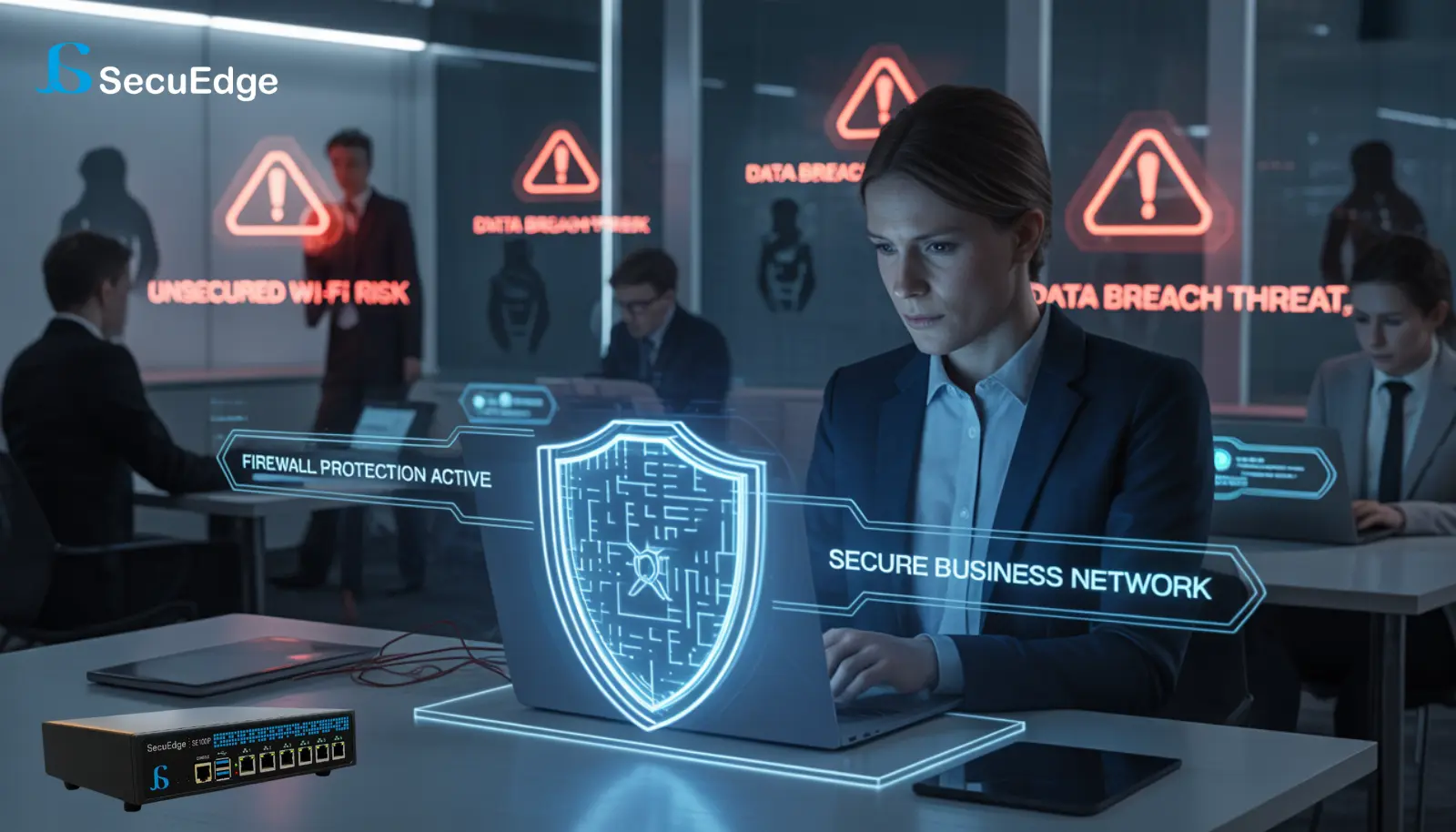
- Firewall: Use a firewall to block unauthorized access to your laptop.
Final Thoughts
Making your laptop hack-proof doesn’t require extensive technical expertise. By following these five security tips, you can significantly reduce your risk and enjoy greater peace of mind. Remember, proactive measures today can save you from costly breaches tomorrow.
For advanced protection, explore SecuEdge solutions to secure your devices and safeguard your personal data. Contact us today to learn more.