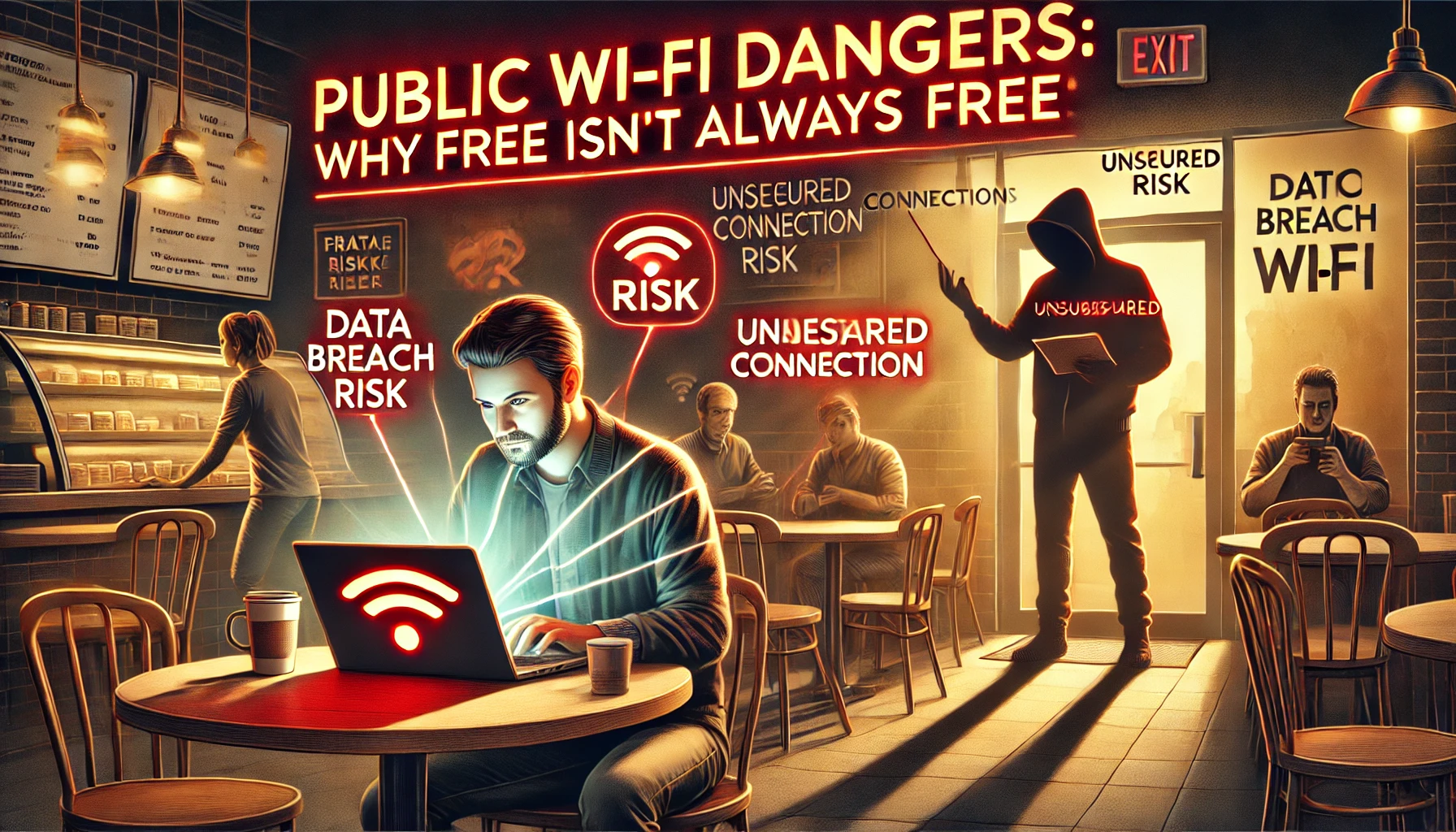
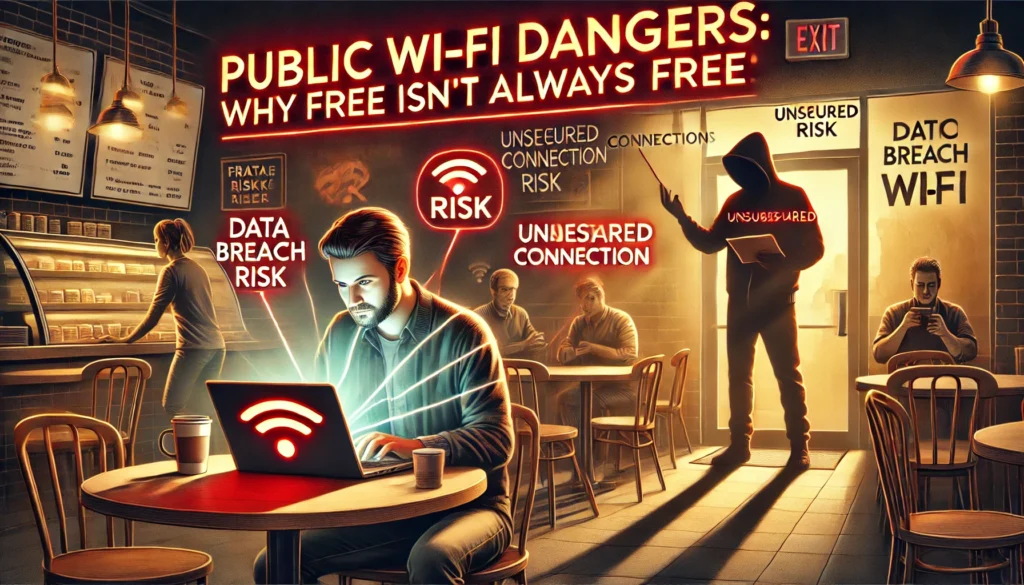
Public Wi-Fi networks in coffee shops, airports, and malls offer convenience, but they also come with hidden risks. While the connection may be free, the price you could pay in compromised security is high. Cybercriminals often target these networks to intercept data, steal personal information, or inject malware. Here’s what you need to know about the dangers of public Wi-Fi and how to protect yourself.
1. The Risks of Using Public Wi-Fi
Public Wi-Fi networks are often unsecured, meaning they lack robust encryption to protect your data. This makes them a prime target for hackers.
- Data Interception: Hackers can use tools to intercept data, including login credentials, credit card numbers, and emails.
- Man-in-the-Middle Attacks: Cybercriminals position themselves between you and the network to steal information.
- Malware Injection: Hackers can exploit vulnerabilities to install malicious software on your device.
2. Common Tricks Hackers Use on Public Wi-Fi
Hackers often employ deceptive tactics to exploit unsuspecting users on public Wi-Fi networks.
- Fake Networks: Setting up rogue hotspots with names similar to legitimate ones.
- Packet Sniffing: Using software to capture and analyze unencrypted data transmitted over the network.
- Evil Twin Attacks: Creating a duplicate Wi-Fi network to lure users into connecting.
"Over 75% of users connect to public Wi-Fi without realizing the risks, making them vulnerable to data theft."
3. How to Protect Yourself on Public Wi-Fi
Staying safe on public Wi-Fi requires a mix of good practices and smart tools. Here are steps you can take to minimize risks:
- Use a VPN: A Virtual Private Network encrypts your connection, making it difficult for hackers to intercept your data.
- Connect to HTTPS Websites: Ensure websites you visit are secure (look for "https://" in the URL).
- Turn Off Sharing: Disable file and printer sharing on your device when using public networks.
- Avoid Sensitive Transactions: Don’t access banking apps or enter personal details on public Wi-Fi.
4. Best Practices for Securing Your Device
Securing your device can add an extra layer of protection when using public Wi-Fi.
- Update Software Regularly: Keep your operating system and apps up to date to patch vulnerabilities.
- Use Antivirus Software: Install reputable antivirus programs to detect and block malware.
- Disable Auto-Connect: Prevent your device from automatically connecting to open networks.
5. Alternatives to Public Wi-Fi
If possible, consider using more secure alternatives to public Wi-Fi for your internet needs.
- Mobile Data: Use your smartphone’s data plan or create a personal hotspot for a more secure connection.
- Portable Routers: Invest in a portable Wi-Fi router with secure settings.
Final Thoughts
Public Wi-Fi networks may seem convenient, but the risks they pose to your privacy and security are real. By adopting safe browsing practices, using the right tools like VPNs, and securing your devices, you can minimize the dangers. Remember, the price of free Wi-Fi is often your personal data—don’t let hackers take it.
For advanced tools to secure your online connections and protect your data, explore SecuEdge solutions. Contact us today to learn how we can help enhance your cybersecurity.